
TASK MANAGEMENT IN CRM
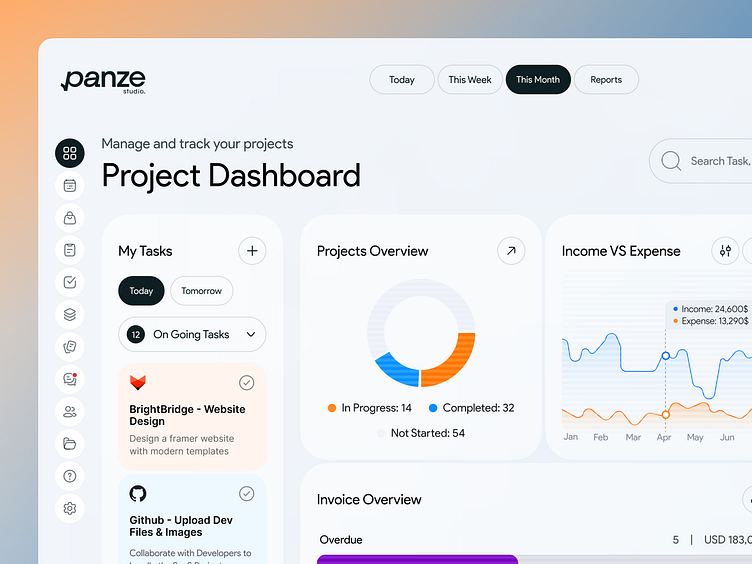
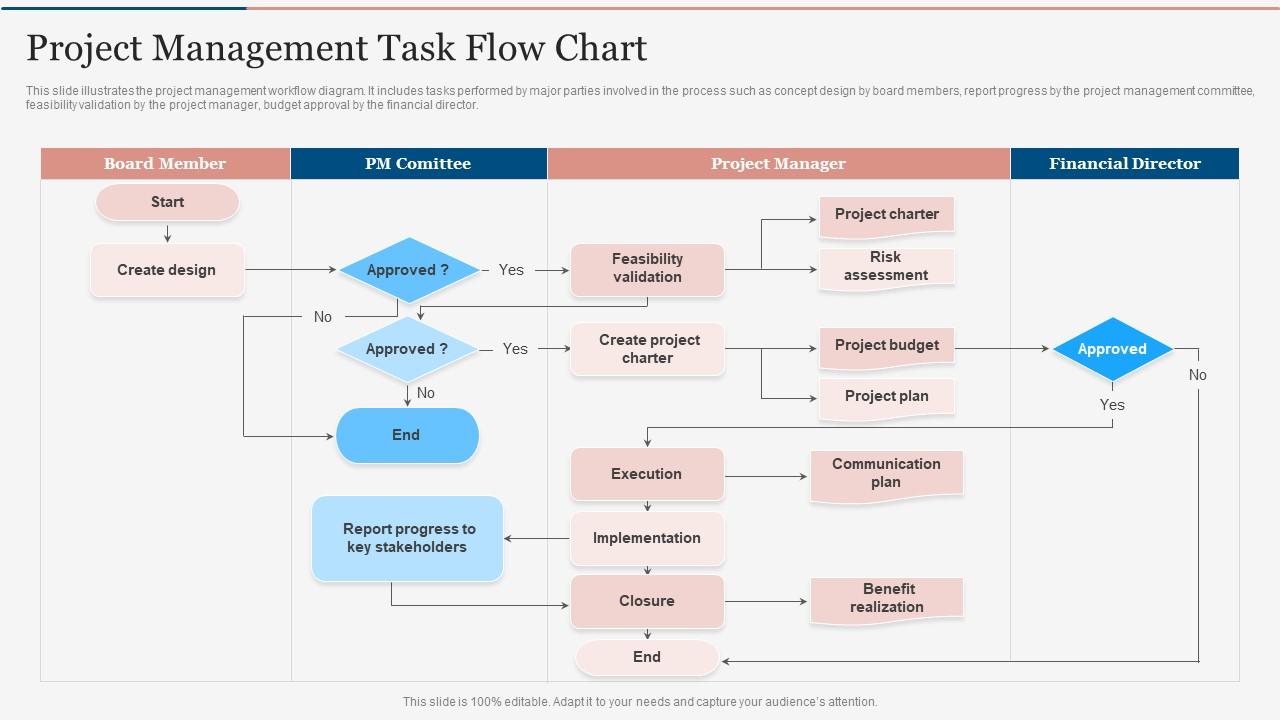

📌 1. What is Task Management in CRM?
Task Management is the process of creating, assigning, tracking, and completing tasks inside the CRM.
In CRM, a task could be:
-
A follow-up call
-
Sending a proposal
-
Reminder to share ERP demo
-
Updating lead details
-
Scheduling a meeting
-
Completing client onboarding step
The goal:
Ensure no work is ever missed.
📌 2. Why Task Management Is Important for Udyamkart?
✔ Ensures timely follow-ups
Delayed follow-ups = lost customers
✔ Improves intern productivity
Helps interns stay organized daily.
✔ Creates accountability
Each task displays who created it and who must complete it.
✔ Helps in teamwork
Managers can track intern activities easily.
✔ Ensures client satisfaction
Every commitment made to customers is delivered on time.
📌 3. Types of Tasks Interns Will Use
A. Follow-Up Tasks
Call back the lead at a specific date and time.
B. Communication Tasks
Send email, WhatsApp message, or proposal.
C. Meeting Tasks
Demo scheduling or in-person meeting.
D. Documentation Tasks
Prepare proposal, quotation, or required details.
E. Lead Update Tasks
Update lead status, priority, or notes.
📌 4. How to Create a Task in CRM (Step-by-Step)
-
Click on Create Task
-
Select type (Call / Follow-up / Email / Meeting)
-
Enter description
-
Choose due date & time
-
Set priority (High, Medium, Low)
-
Assign to yourself or team member
-
Save
After this, CRM automatically shows reminders.
📌 5. Task Priority Levels
🔴 High Priority
-
Hot leads
-
Proposal follow-up
-
Demo scheduled today
→ Must be completed immediately.
🟡 Medium Priority
-
Warm leads
-
General inquiries
→ Complete today or tomorrow.
🟢 Low Priority
-
Long-term leads
-
No immediate action required
→ Complete when free.
📌 6. Task Lifecycle in CRM
Every task goes through these stages:
1️⃣ Created
Intern adds the task.
2️⃣ Assigned
Task assigned to a specific user.
3️⃣ In Progress
User starts working on it.
4️⃣ Completed
Task is finished & marked as done.
5️⃣ Missed / Overdue
Task was not completed by deadline.
Interns must avoid overdue tasks.
📌 7. Daily Task Workflow for Interns
Step 1: Login to CRM
Step 2: Open Task Dashboard
Step 3: Check Today’s Tasks
Step 4: Work on High Priority Tasks First
Step 5: Update status after every task
Step 6: Add new tasks after every customer communication
Step 7: Review tomorrow’s tasks before logging out
This ensures a smooth workflow.
📌 8. Task Reminders & Notifications
CRM sends alerts when:
-
A task is due
-
A task is overdue
-
A task is assigned to the intern
-
There is a follow-up scheduled
Interns must check notifications frequently.
📌 9. Common Task Management Mistakes Interns Must Avoid
❌ Forgetting to mark tasks as completed
❌ Creating vague tasks like “call him later”
❌ Missing follow-up reminders
❌ Not setting time-based tasks
❌ Assigning tasks to wrong team members
❌ Not adding description
📌 10. Best Practices for Effective Task Management
✔ Use clear task descriptions
✔ Always assign due date & time
✔ Prioritize based on urgency
✔ Avoid clutter—complete tasks on time
✔ Review task list twice a day
✔ Convert every customer communication into a task
✔ Link tasks to specific leads
📌 11. What Interns Must Learn in Module 5
At the end of this module, interns should be able to:
✔ Create tasks
✔ Assign tasks
✔ Set reminders
✔ Track overdue tasks
✔ Complete tasks on time
✔ Maintain daily workflow using CRM
✔ Improve productivity through proper task planning
🎓 Module 5 Practical Assignments
Task 1:
Create 10 tasks inside CRM (calls, messages, meetings).
Task 2:
Assign 5 tasks to yourself & 5 to another team member.
Task 3:
Mark 3 tasks as completed.
Task 4:
Explain the difference between high, medium & low priority.
Task 5:
Prepare a 1-day Task Report in Excel or CRM.