
REPORTING & ANALYTICS
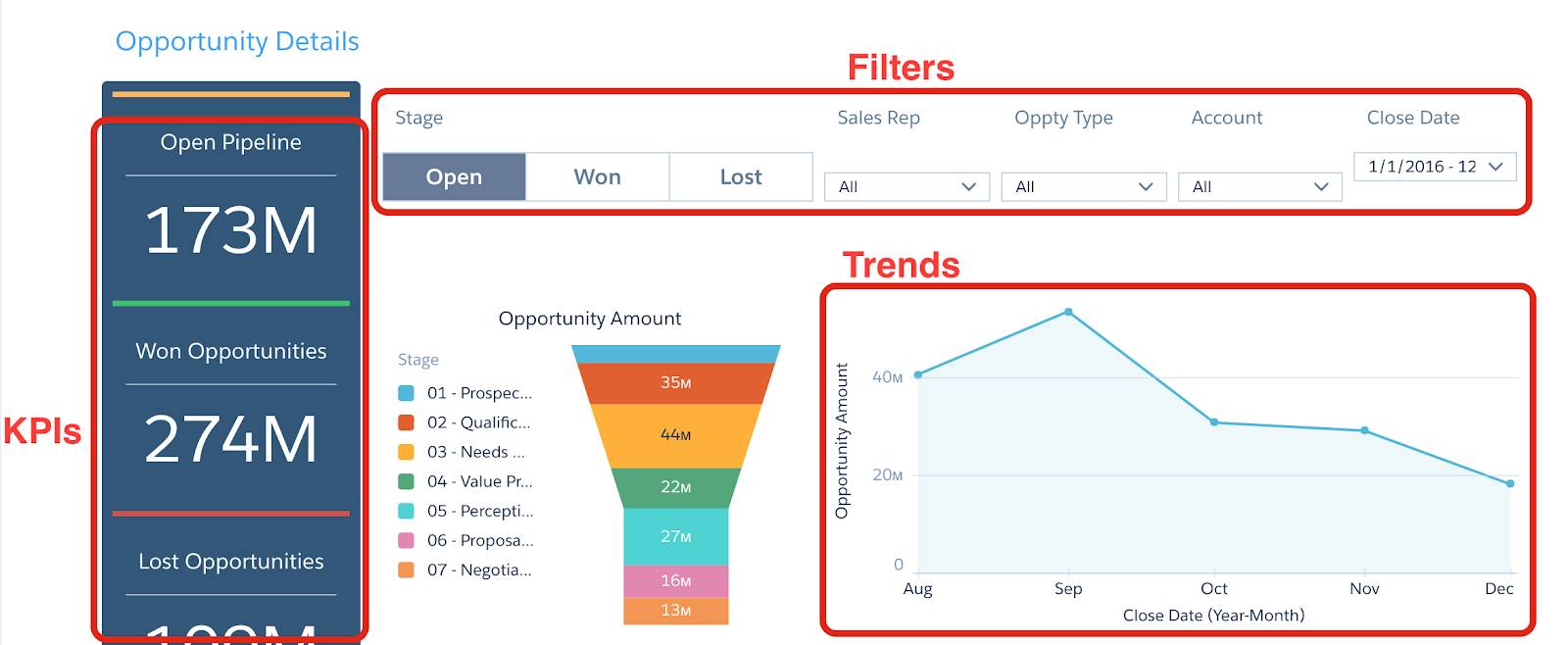
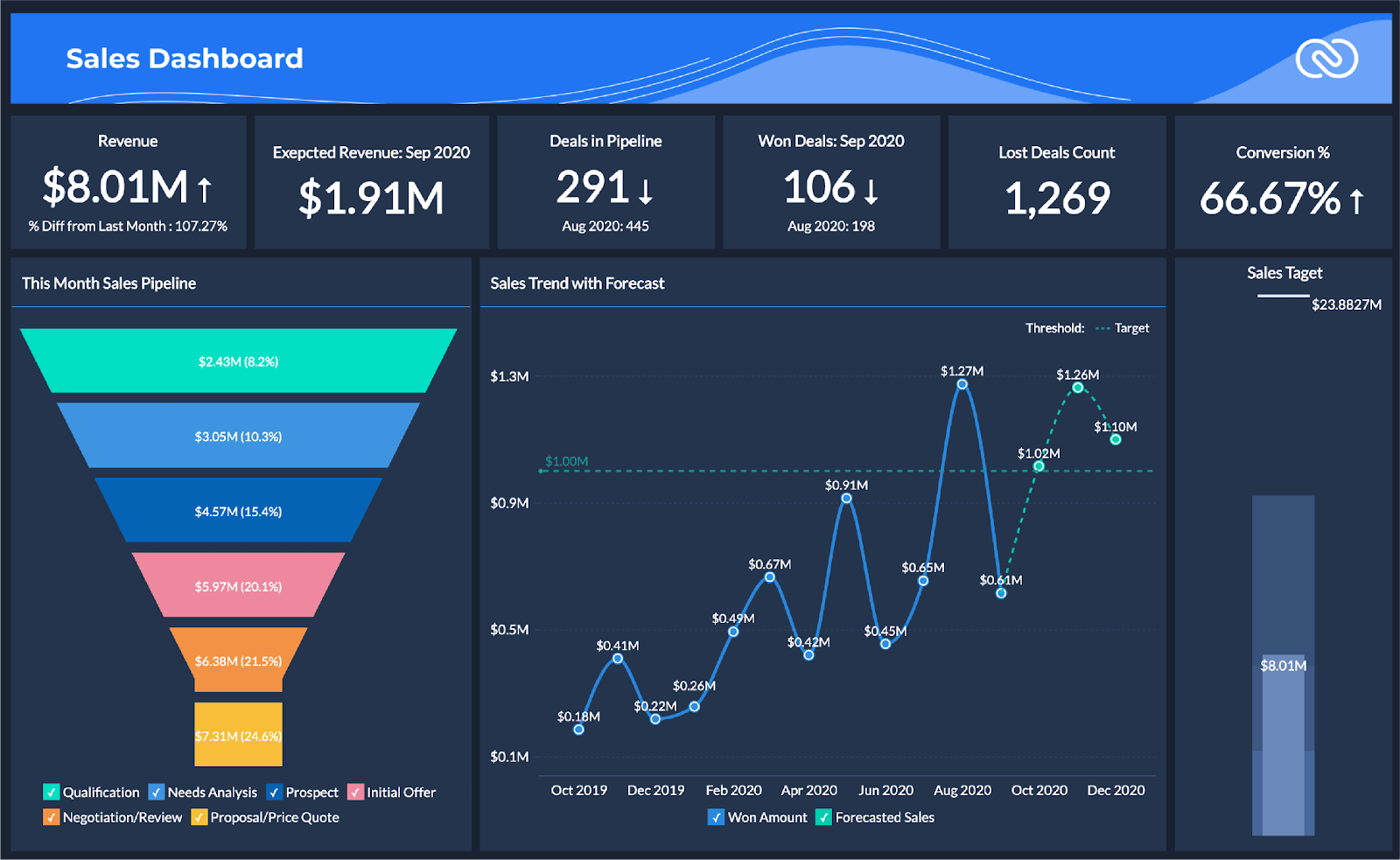
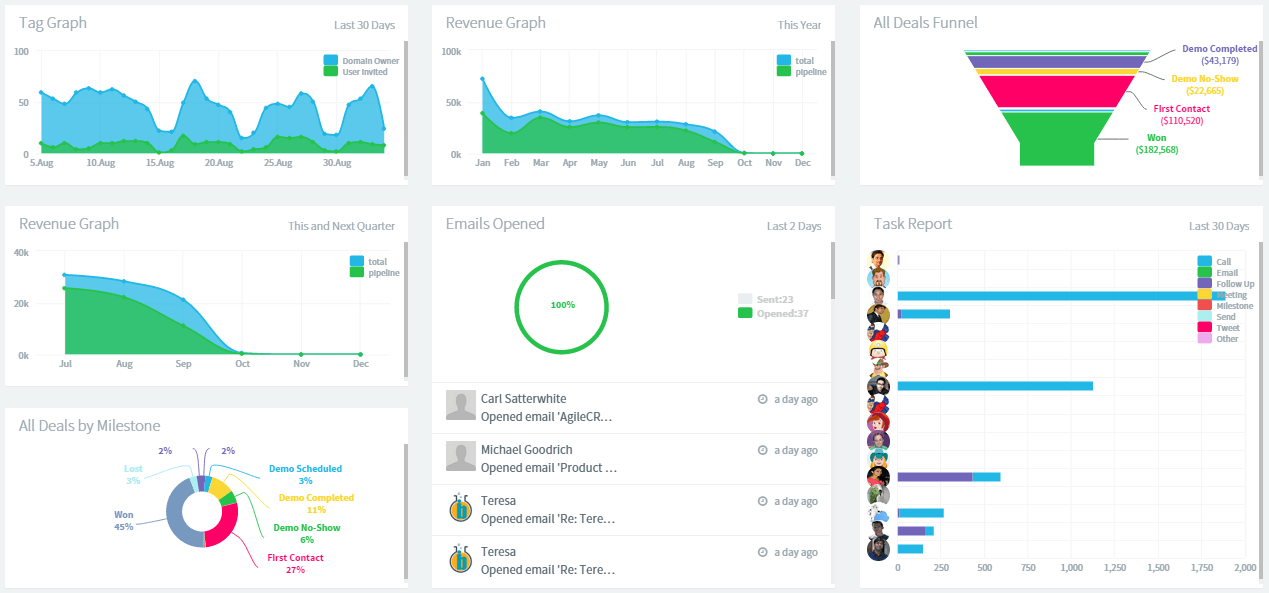
📌 1. What is Reporting & Analytics in CRM?
Reporting means generating structured summaries of CRM data.
Analytics means studying this data to understand performance, patterns, and improvements.
Together, they help Udyamkart:
✔ Track growth
✔ Identify problems
✔ Improve conversions
✔ Make data-driven decisions
✔ Forecast future sales
Reporting = What happened ?
Analytics = Why it happened & what to do next ?
📌 2. Importance of Reporting for Udyamkart
Since Udyamkart handles:
-
School ERP clients
-
Website development projects
-
Software inquiries
-
Business IT requirements
Accurate reporting helps in:
✔ Planning marketing strategies
✔ Monitoring intern performance
✔ Understanding best lead sources
✔ Tracking customer behavior
✔ Improving sales funnel
📌 3. Types of CRM Reports Interns Must Know
A. Lead Report
Shows:
-
New leads
-
Converted leads
-
Lost leads
-
Source-wise performance
Interns must generate this daily & weekly.
B. Activity Report
Tracks:
-
Calls made
-
Messages sent
-
Follow-ups completed
-
Tasks done
Useful for evaluating daily efficiency.
C. Pipeline Report
Shows the number of leads at each stage:
-
New
-
Contacted
-
Qualified
-
Demo
-
Proposal
-
Negotiation
-
Converted
-
Lost
This helps spot bottlenecks.
D. Conversion Report
Calculates:
-
How many leads became customers
-
Lead-to-sale conversion ratio
-
Proposal-to-sale ratio
Important for sales forecasting.
E. Follow-Up Report
Shows:
-
Overdue follow-ups
-
Completed follow-ups
-
Missed follow-ups
Represents discipline & lead handling quality.
F. Performance Report (Intern or Team)
Tracks:
✔ Leads handled
✔ Calls made
✔ Conversations recorded
✔ Tasks completed
Useful for performance reviews.
G. Revenue Report
Shows:
-
Deals closed
-
Project values
-
Monthly revenue forecast
Used by management.
📌 4. Key CRM Metrics Interns Must Understand
1️⃣ Total Leads
How many leads added in a time period.
2️⃣ Lead Conversion Rate
Formula:
Converted Leads ÷ Total Leads × 100
3️⃣ Source Performance
Which platform brings best leads:
-
Website
-
WhatsApp
-
Google Ads
-
Social Media
4️⃣ Follow-Up Completion Rate
Measures intern discipline.
5️⃣ Average Response Time
How quickly leads are contacted.
6️⃣ Lead Quality Score
Based on budget, interest, requirement.
7️⃣ Sales Velocity
Speed from inquiry → conversion.
8️⃣ Proposal Acceptance Rate
How many proposals converted.
9️⃣ Funnel Drop-off Rate
Where leads are getting stuck.
📌 5. How to Generate Reports in CRM (Step-by-Step)
-
Open Reporting or Analytics section
-
Choose report type (lead, activity, pipeline, etc.)
-
Select date range (Today, Weekly, Monthly)
-
Apply filters:
-
Lead source
-
Assigned user
-
Status
-
Priority
-
-
Export as PDF/Excel if needed
-
Share with team/manager
📌 6. How Interns Should Analyze Reports
Step 1: Identify Patterns
Example:
-
Most leads came from WhatsApp.
-
Many leads stuck at “Proposal Sent.”
Step 2: Find Bottlenecks
Example:
-
No follow-ups done for 3 days.
-
Low conversion rate from demo to proposal.
Step 3: Recommend Solutions
Example:
-
“Need more follow-ups after demo.”
-
“Improve proposal explanation.”
Step 4: Share Summary
Write a simple 5–7 line summary.
📌 7. Reporting & Analytics Responsibilities for Interns
✔ Generate daily reports
✔ Share weekly summary
✔ Track assigned leads
✔ Report pipeline blockages
✔ Analyze performance data
✔ Update team with findings
📌 8. Reporting Best Practices
✔ Always use filters before creating reports
✔ Double-check numbers
✔ Use correct date ranges
✔ Don’t mix old and new data
✔ Write a brief explanation with reports
✔ Share reports on time
✔ Use Excel for formatting when needed
📌 9. Common Mistakes to Avoid
❌ Forgetting to apply filters
❌ Generating reports with outdated data
❌ Not updating leads before reporting
❌ Wrong date selection
❌ Not analyzing patterns
❌ Sharing report without summary
📌 10. What Interns Should Learn in Module 8
By the end of Module 8, interns should be able to:
✔ Create multiple CRM reports
✔ Understand KPIs & metrics
✔ Analyze pipeline performance
✔ Identify drop-off points
✔ Track team performance
✔ Spot sales opportunities
✔ Present clean & accurate reports
🎓 Module 8 – Practical Assignments
Task 1:
Generate a weekly lead report (10 leads minimum).
Task 2:
Create a pipeline report showing each stage.
Task 3:
Analyze which lead source gives best conversions.
Task 4:
Prepare a summary of 5 key findings.
Task 5:
Prepare a daily activity report for yourself.