
MODULE 2: CRM DASHBOARD OVERVIEW
📌 1. What is a CRM Dashboard?
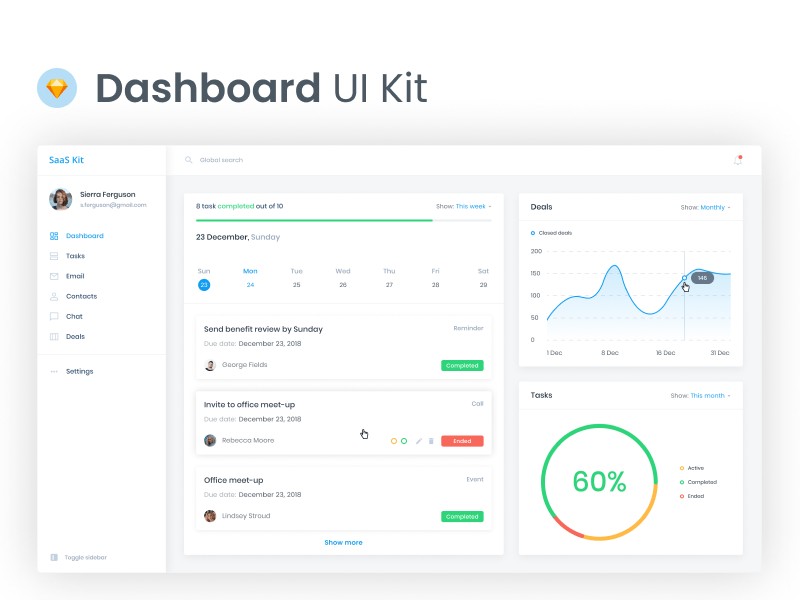
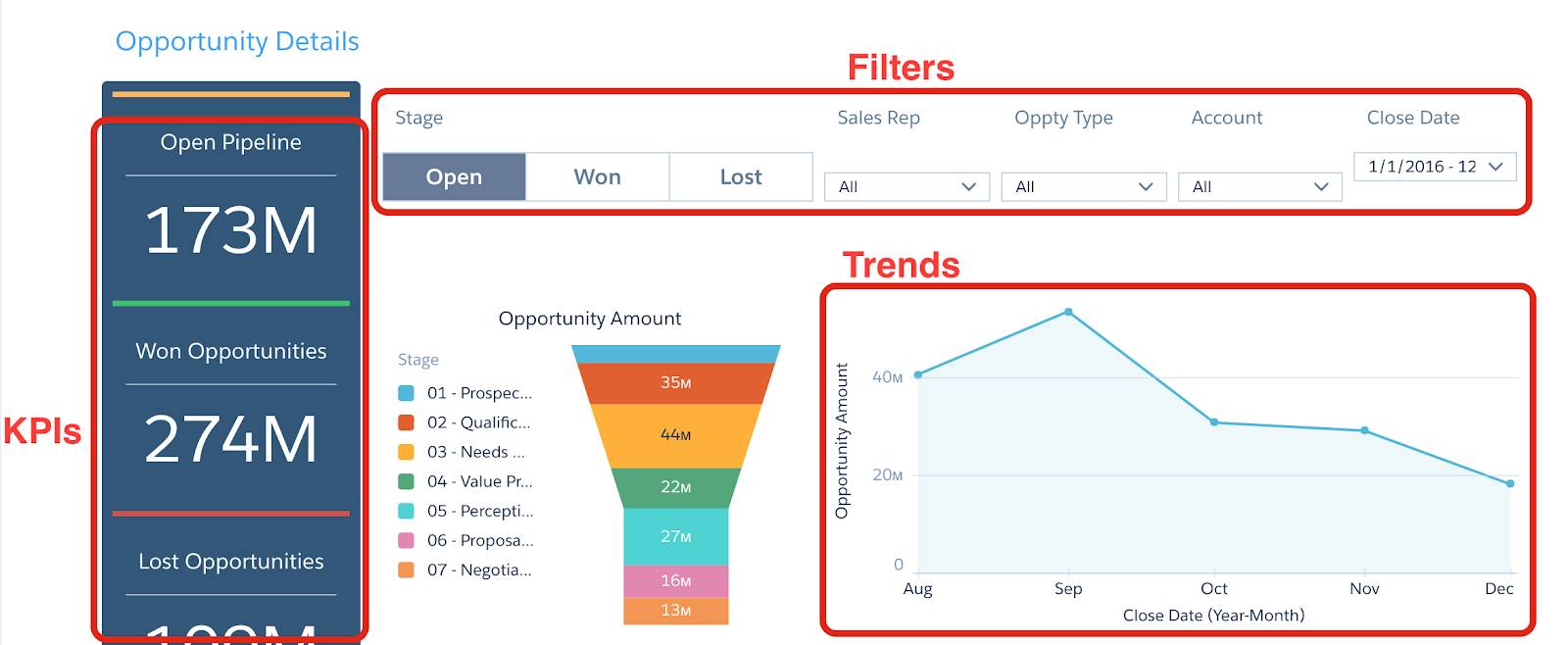
A CRM Dashboard is the homepage of the CRM system where all important information is displayed in one place.
It gives a quick snapshot of:
-
Leads
-
Tasks
-
Follow-ups
-
Sales pipeline
-
Activities
-
Performance reports
It is the control center where interns will spend most of their time.
📌 2. Key Sections of the CRM Dashboard
The dashboard typically includes the following elements:
A. Lead Overview Box
Shows:
-
New leads
-
Total leads
-
Pending leads
-
Hot / warm / cold leads
This allows interns to quickly identify which leads need action today.
B. Task Summary
Displays:
-
Today’s tasks
-
Overdue tasks
-
Upcoming tasks
-
Completed tasks
This keeps your daily workload organized.
C. Follow-Up Panel
Lists all follow-up reminders with:
-
Customer name
-
Date & time
-
Message/call type
-
Priority
Interns must review this panel every morning.
D. Sales Pipeline / Funnel
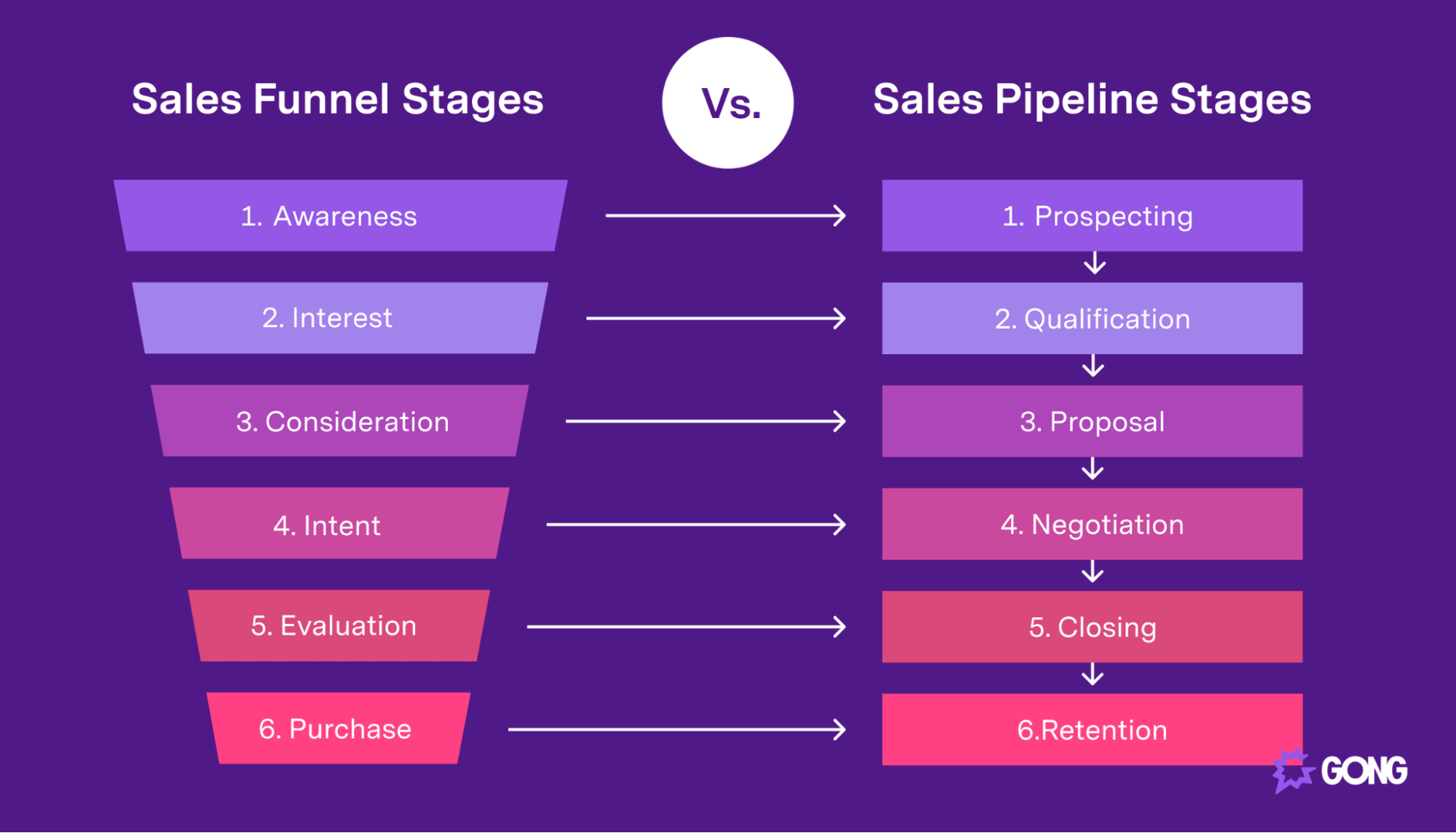
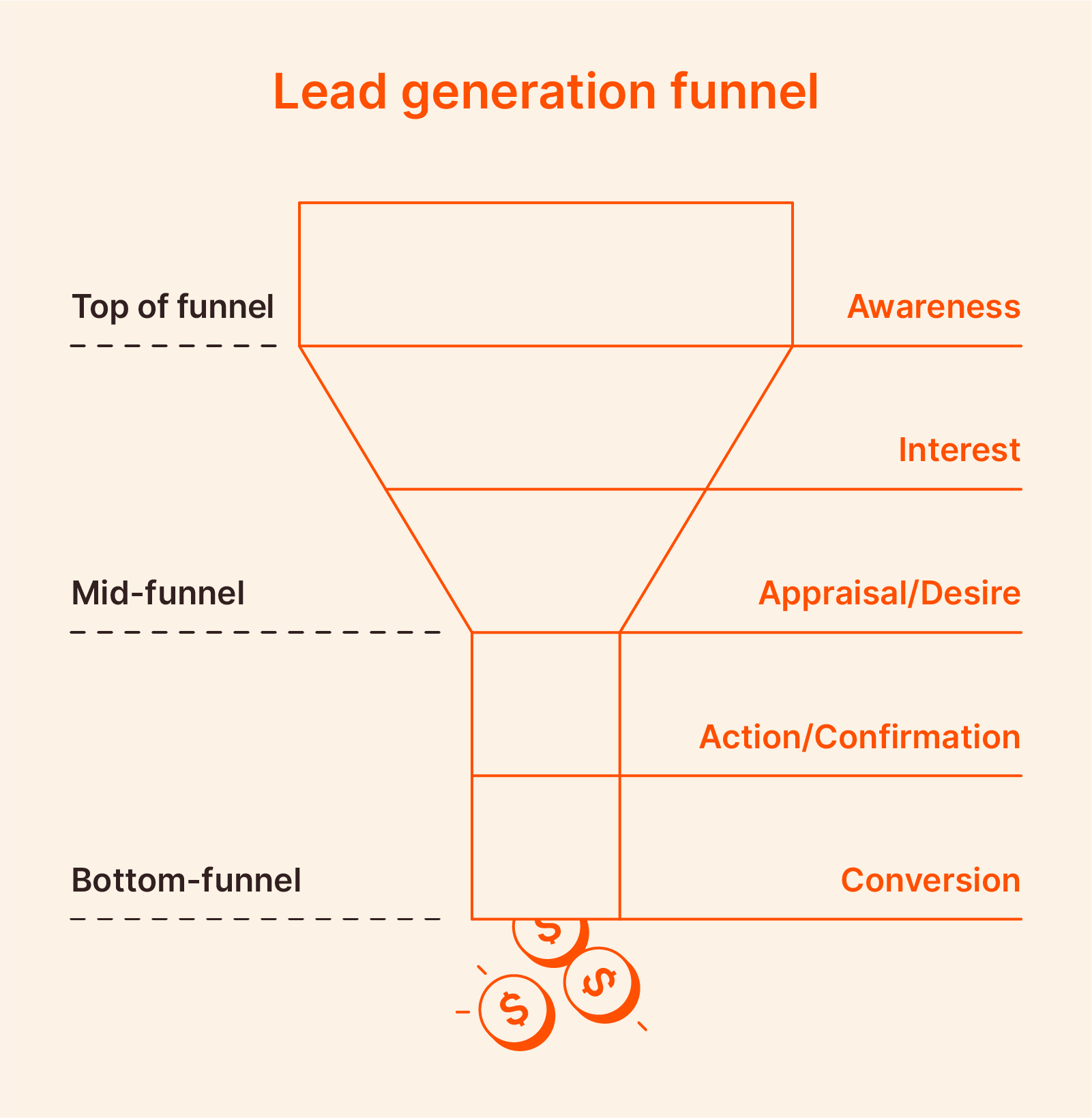
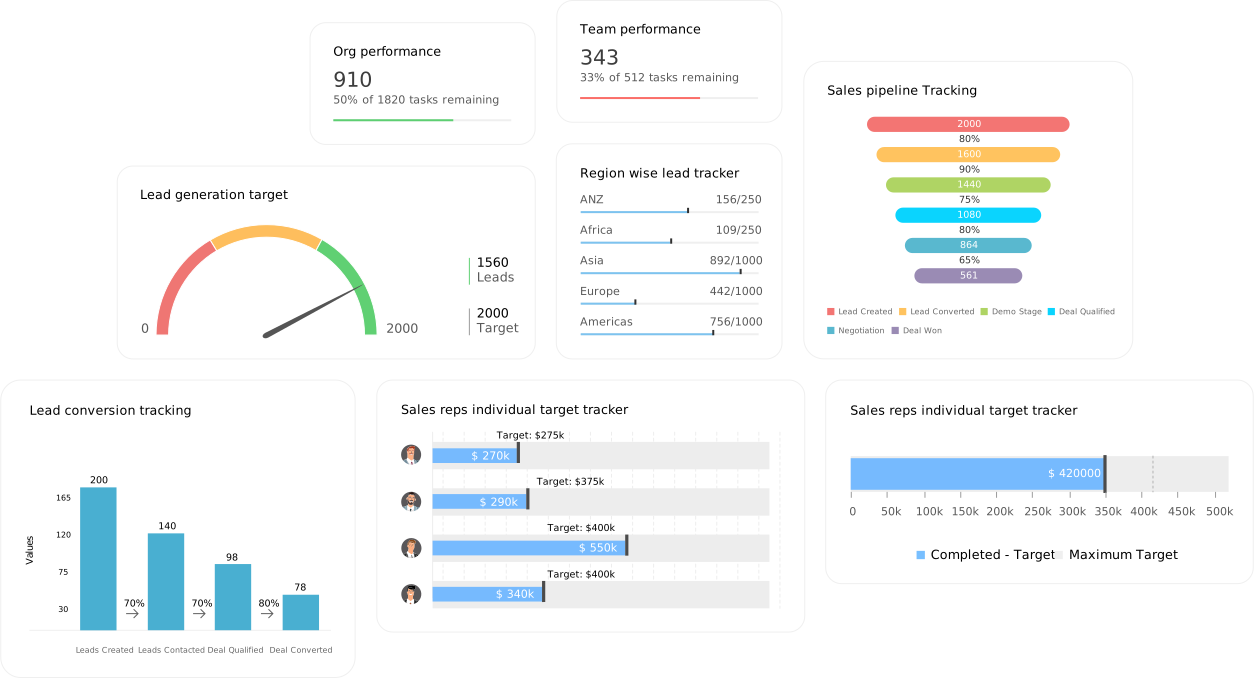
Shows the customer journey stages:
-
New
-
Contacted
-
Qualified
-
Proposal Sent
-
Negotiation
-
Converted
-
Lost
Pipeline helps interns understand where each lead is stuck.
E. Activity Timeline
Shows all recent activities:
-
Calls made
-
Emails sent
-
Notes added
-
Status updates
-
Meetings logged
This timeline helps track what work was done and by whom.
F. Notifications Center
Alerts for:
-
New leads
-
Assigned tasks
-
Follow-up reminders
-
Messages from team members
Interns must respond to notifications immediately.
📌 3. CRM Side Menu Overview
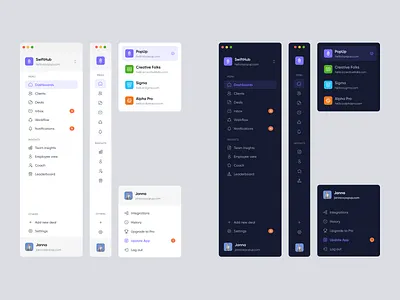
The CRM menu on the left/right side contains the navigation options.
Typical items include:
1️⃣ Dashboard
Quick overview of everything.
2️⃣ Leads
Add, edit, assign, filter, and track leads.
3️⃣ Contacts
Customer details & communication history.
4️⃣ Tasks
Daily work scheduling.
5️⃣ Follow-ups
Time-based customer reminders.
6️⃣ Reports
Analytics charts:
-
Daily performance
-
Lead source report
-
Conversion rate
-
Team performance
7️⃣ Settings
User profile, roles, permissions, theme, integrations.
📌 4. Important Dashboard Metrics Interns Must Check Daily
1. New Leads Today
Check if new leads arrived from website, WhatsApp, ads, or manual entry.
2. Today’s Follow-Ups
This is the MOST IMPORTANT task of your day.
3. Pending Tasks
Clear overdue tasks first.
4. Pipeline Status
Identify:
-
Stuck leads
-
Leads needing follow-up
-
Leads ready for closure
5. Last Activities
Understand what the team did before you continue work.
📌 5. Understanding CRM Filters & Search
Interns must know how to find leads quickly with filters like:
-
By date
-
By source
-
By priority
-
By status
-
By team member
-
By creation date
Proper filtering saves time and increases accuracy.
📌 6. Daily Workflow for Interns Using CRM Dashboard
🔹 Step 1: Open Dashboard
Check the overview.
🔹 Step 2: Review Today’s Follow-Ups
Contact leads immediately.
🔹 Step 3: Check Tasks
Update completed tasks → Add new tasks → Clear overdue tasks.
🔹 Step 4: Update Lead Pipeline
Move leads according to progress.
🔹 Step 5: Add Notes for Every Communication
Call notes, WhatsApp notes, meeting notes.
🔹 Step 6: Generate Daily Report
Submit daily work summary.
📌 7. What Interns Must Learn in Module 2
By the end of Module 2, interns must understand:
-
How to navigate CRM dashboard
-
How to check leads, tasks, follow-ups
-
How to read pipeline and activity timeline
-
How to use filters
-
How to understand CRM metrics
-
How to manage day-to-day CRM workflow
📘 Module 2 Practical Assignment
1️⃣ Take a screenshot of every dashboard section and write its purpose.
2️⃣ Identify 5 critical metrics shown on the dashboard.
3️⃣ Create a sample daily CRM workflow plan.
4️⃣ Write how dashboard helps improve work productivity.