
LEAD MANAGEMENT
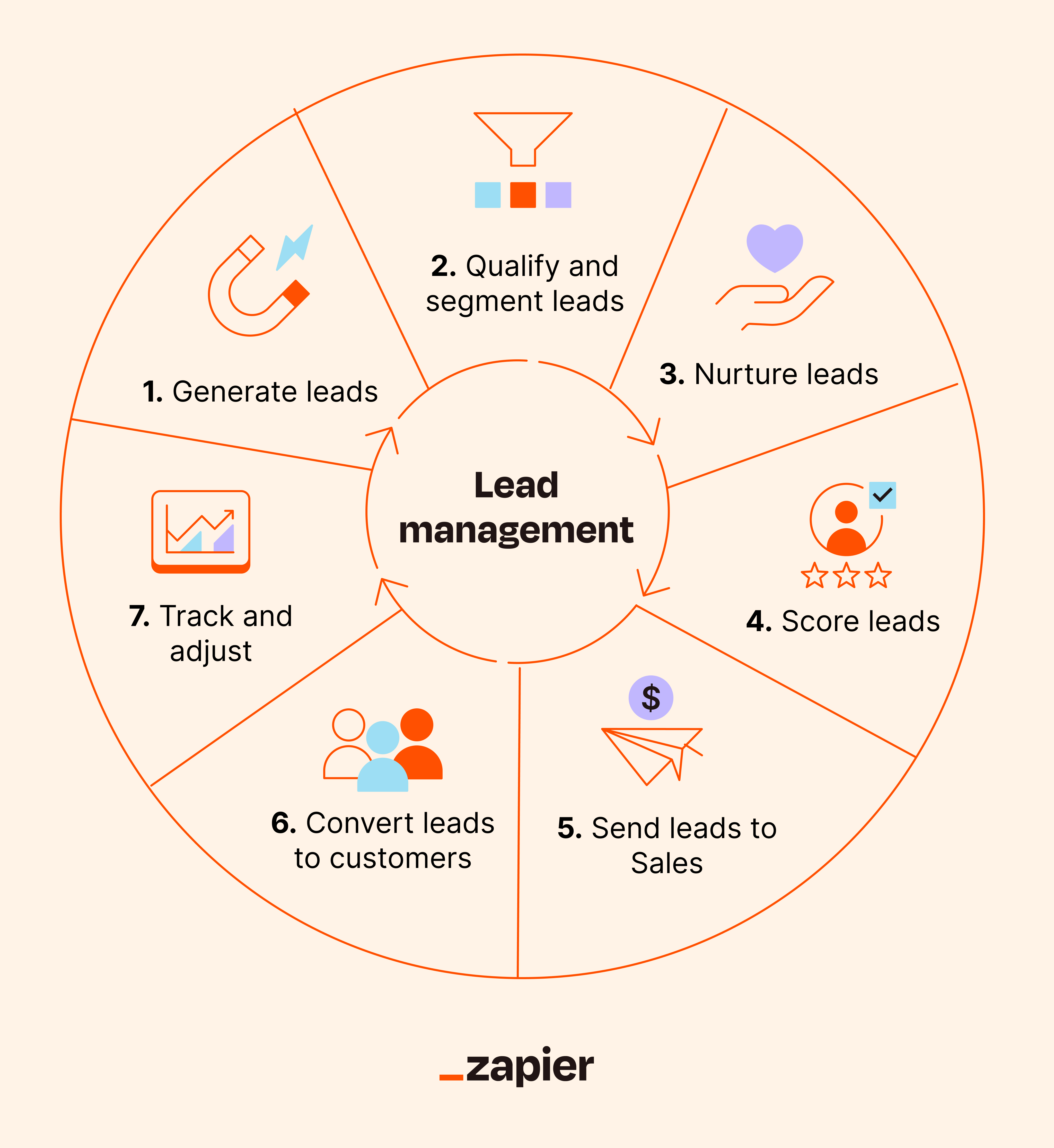
📌 1. What is a Lead?
A Lead is any person or organization that shows interest in Udyamkart’s services (ERP, Website, Software, IT solutions).
Examples of Udyamkart leads:
-
School principal asking for ERP demo
-
College admin requesting website
-
Business owner wanting software
-
Startup founder needing IT support
A lead is NOT a customer until they convert.
📌 2. Lead Stages (Lifecycle)
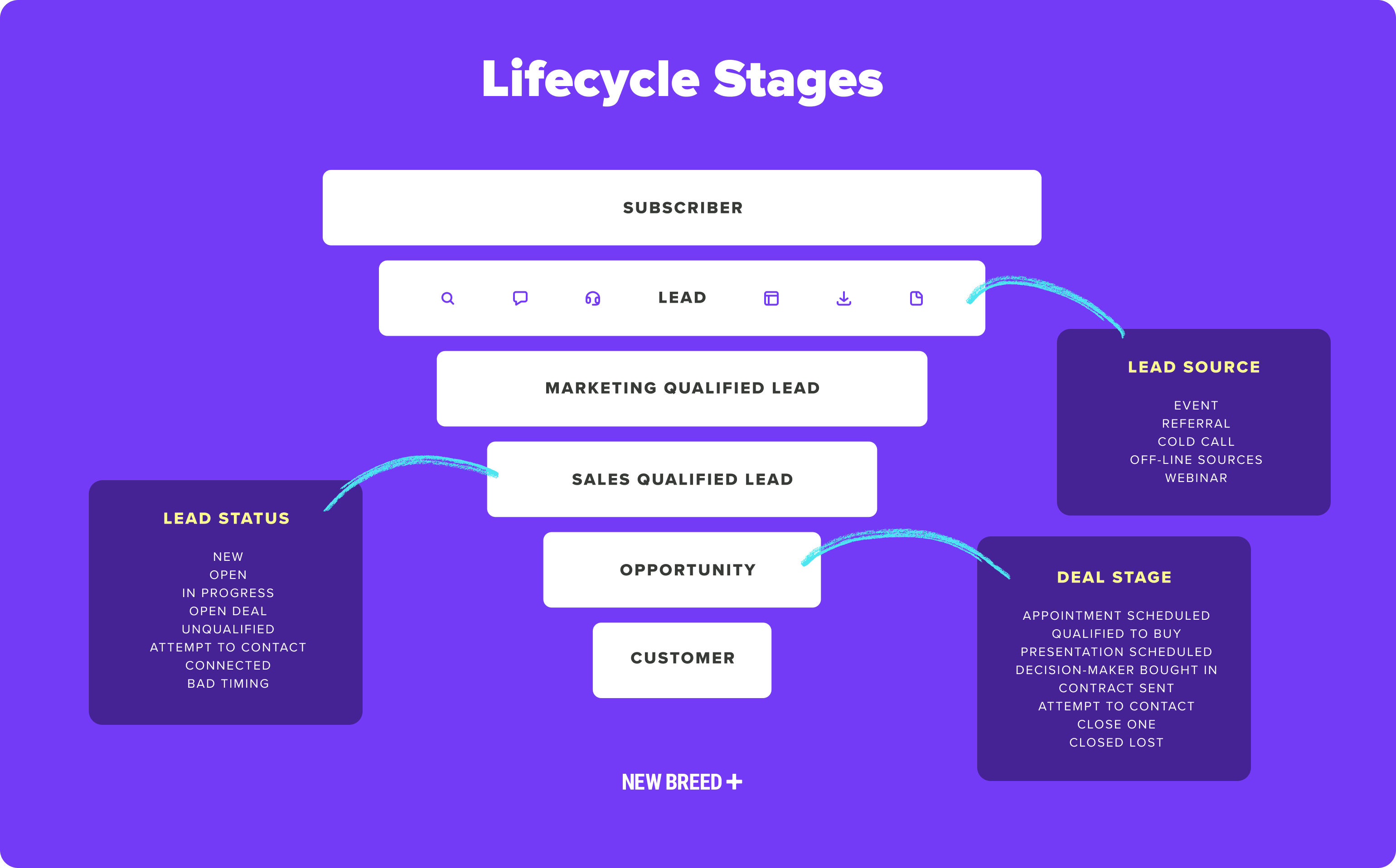
Every lead in CRM passes through these stages:
1️⃣ New Lead
Freshly added, no contact made yet.
2️⃣ Contacted
First call/message completed.
3️⃣ Qualified Lead
Lead has real interest & budget.
4️⃣ In Progress
Follow-ups, demos, proposal discussion.
5️⃣ Proposal Sent
Documentation, pricing or quote shared.
6️⃣ Negotiation
Discussion on price, features, timeline.
7️⃣ Converted (Customer)
Lead becomes a client.
8️⃣ Lost Lead
Lead no longer interested or unresponsive.
📌 3. Lead Sources (Very Important)
Leads can come from many channels. CRM must record the source:
-
Website contact form
-
WhatsApp
-
Facebook ads
-
Google ads
-
Instagram
-
Referal
-
Phone call
-
Email inquiry
-
Walk-in client
Why?
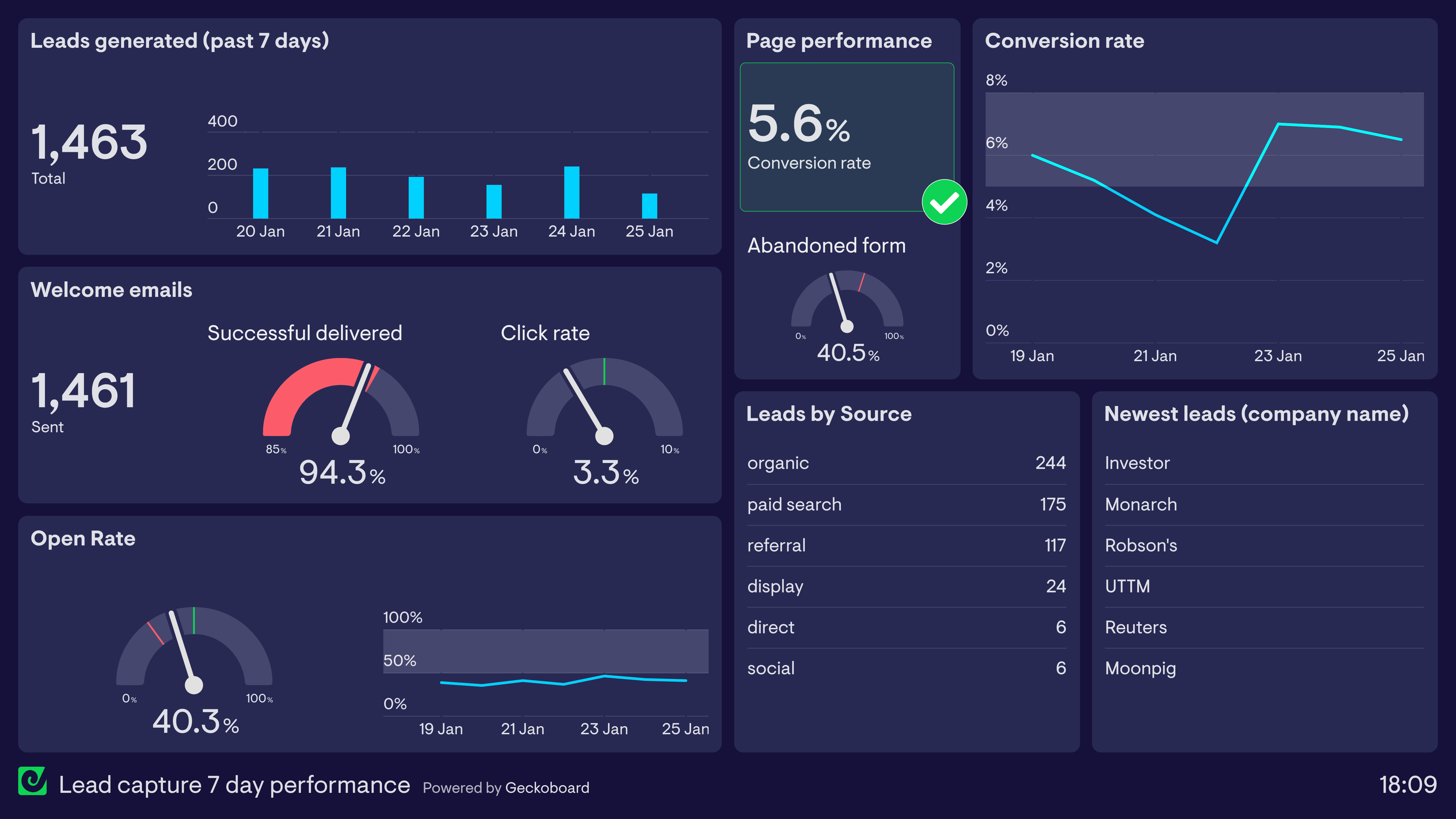
👉 To identify which marketing channel works best for Udyamkart.
📌 4. How to Add a Lead in CRM (Step-by-Step)
-
Click on Add Lead
-
Enter details:
-
Name
-
Phone
-
Email
-
Company/School/College
-
Requirements
-
-
Select Lead Source
-
Assign to team member (optional)
-
Set first follow-up date
-
Save
Every entry must be accurate.
📌 5. Lead Qualification (Deciding Good Vs Bad Lead)
A lead is “Qualified” when they have:
✔ Need
✔ Budget
✔ Authority to decide
✔ Clear timeline
A lead is NOT qualified when:
❌ No budget
❌ Not interested
❌ Just collecting information
❌ Fake number
Interns must quickly identify qualified vs unqualified leads.
📌 6. Follow-up System (Very Important)
Leads convert only through consistent follow-up.
Types of follow-up:
-
Call
-
WhatsApp
-
Email
-
Meeting
-
Proposal follow-up
-
Reminder follow-up
CRM should always record:
-
Time
-
Date
-
Summary of conversation
If not recorded → lead becomes cold.
📌 7. Lead Priority Levels
High Priority (Hot Lead)
-
Ready for purchase
-
Asking for proposal
-
Requested demo
Medium Priority (Warm Lead)
-
Interested but needs persuasion
Low Priority (Cold Lead)
-
Long-term
-
No immediate need
Assigning priority helps team focus correctly.
📌 8. Lead Assignment (Team Distribution)
Udyamkart leads must be assigned to:
-
Sales interns
-
Sales team
-
Support team
-
ERP team
Benefits:
-
No confusion
-
No duplicate calls
-
Faster response
CRM shows which team member owns which lead.
📌 9. Notes & Communication Log
Every lead interaction must be recorded:
-
Call summary
-
Questions asked
-
Client requirement
-
Next step
-
Document shared
This helps other team members understand lead history.
📌 10. Lead Conversion Process
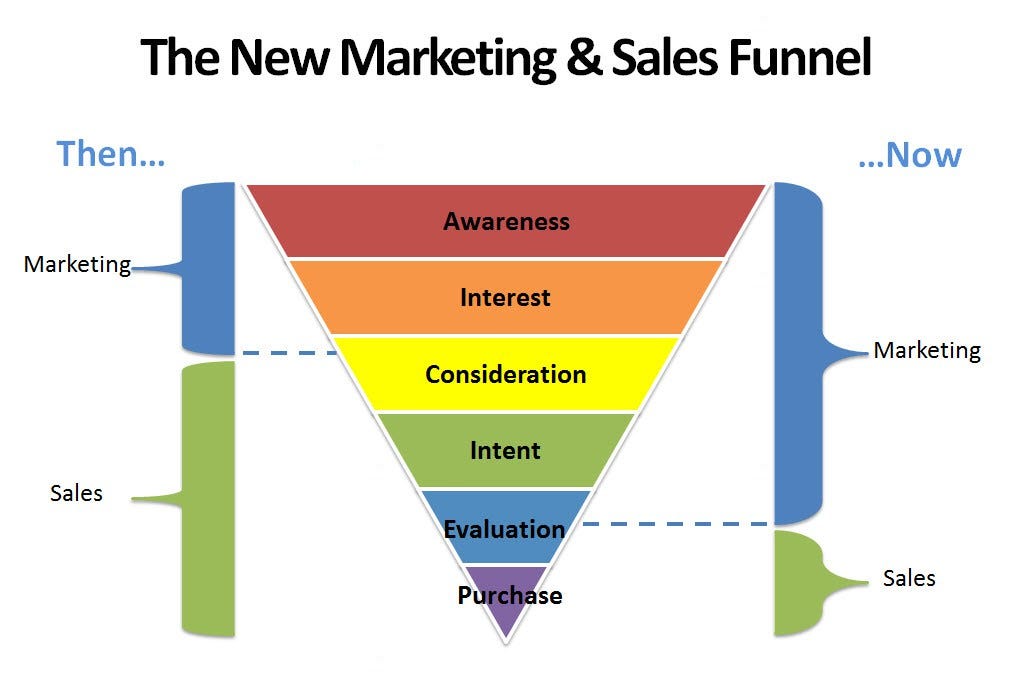

The steps to convert a lead into a customer:
-
Contact lead
-
Explain services
-
Schedule demo
-
Send proposal
-
Handle objections
-
Close negotiation
-
Mark as Converted in CRM
-
Move to onboarding team
Intern must update CRM after EVERY step.
📌 11. Lead Filtering & Search
Essential filters interns must use:
-
Lead source
-
Date created
-
Lead priority
-
Lead status
-
Team member assigned
-
Region (if applicable)
This helps manage hundreds of leads efficiently.
📌 12. What Interns Must Learn in Module 3
By the end of Module 3, interns must be able to:
✔ Add leads correctly
✔ Update lead stages
✔ Set follow-ups
✔ Record communication
✔ Assign leads
✔ Track pipeline
✔ Identify qualified vs unqualified leads
✔ Convert leads properly
🎓 Module 3 Practical Assignment
1️⃣ Add 10 demo leads into CRM
2️⃣ Assign 5 leads to yourself, 5 to team members
3️⃣ Set follow-up date for each lead
4️⃣ Change status of each lead twice
5️⃣ Create a report on 3 qualified leads
6️⃣ Describe lead source and priority